How to Change the Printable Area in Microsoft Word
Understanding the Printable Area
When working with Microsoft Word, you may encounter situations where you need to adjust the printable area of your document. The printable area refers to the portion of the page that contains the actual content, excluding margins and other non-printable regions. Changing the printable area can be useful when you want to customize the layout of your document, remove unnecessary white space, or prepare your file for printing on a specific type of paper.
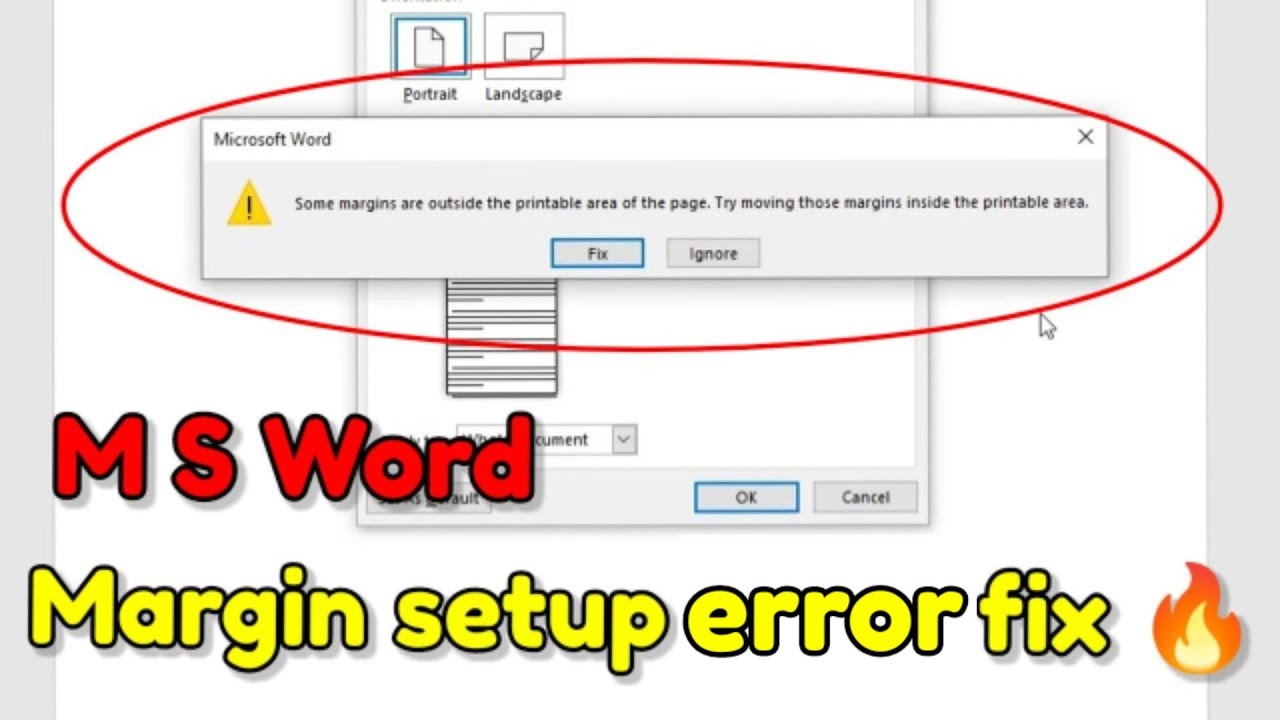
The printable area in Microsoft Word is determined by the page margins, which can be adjusted using the program's built-in tools. To access these tools, go to the 'Layout' or 'Page Layout' tab in the ribbon, depending on your version of Word. From there, you can modify the margin settings to increase or decrease the printable area. You can also use the 'Ruler' tool to visually adjust the margins and get a better sense of the printable area.
Step-by-Step Guide to Changing the Printable Area
To effectively change the printable area, it's essential to understand the different components that make up the page layout. The top, bottom, left, and right margins all contribute to the overall printable area. By adjusting these margins, you can control the amount of white space around your content and ensure that your document prints correctly. Additionally, you can use the 'Headers' and 'Footers' tools to add content to the top and bottom margins, which can be useful for including page numbers, logos, or other information.
To change the printable area in Microsoft Word, follow these simple steps: open your document, go to the 'Layout' or 'Page Layout' tab, click on 'Margins,' and select 'Custom Margins.' From the 'Page Setup' dialog box, adjust the top, bottom, left, and right margins to your desired settings. You can also use the 'Ruler' tool to fine-tune the margins and preview the changes. Once you've made the necessary adjustments, click 'OK' to apply the new settings and update the printable area of your document.